
Features / Back office
The back office
Reports, stock and staff – sorted.
Everything behind the counter: reporting, purchasing, staff, multiple stores and your data – with no monthly subscription.
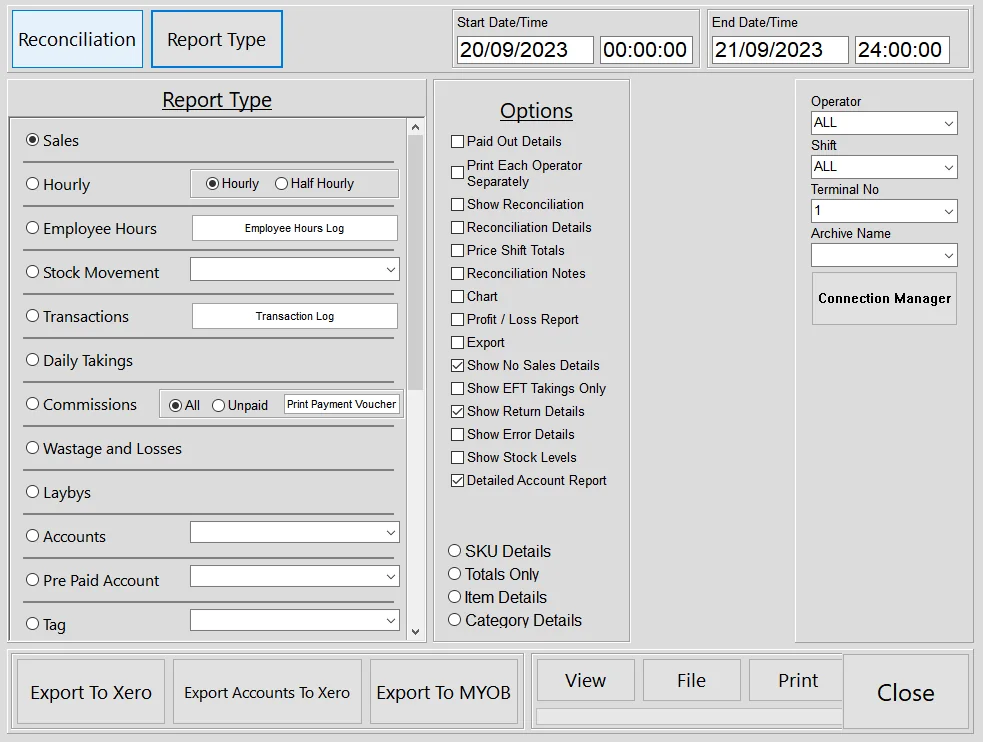
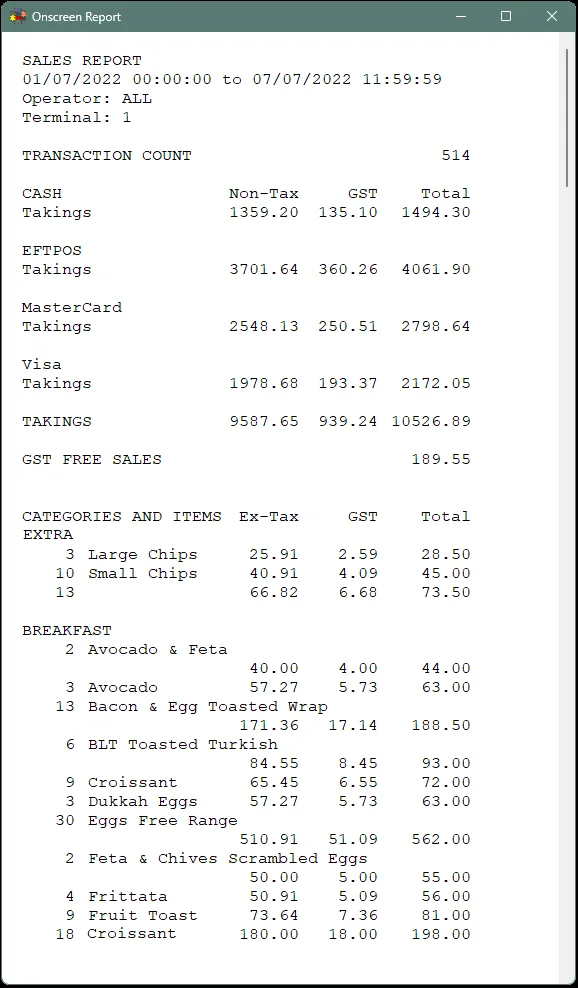
Reports
Know your numbers
- Sales by item, category, hour, operator and terminal
- Profit and loss from your cost prices, with charts
- Cash reconciliation by shift
- Your own trading day – e.g. close the books at 3am
- Export to Xero, MYOB or CSV
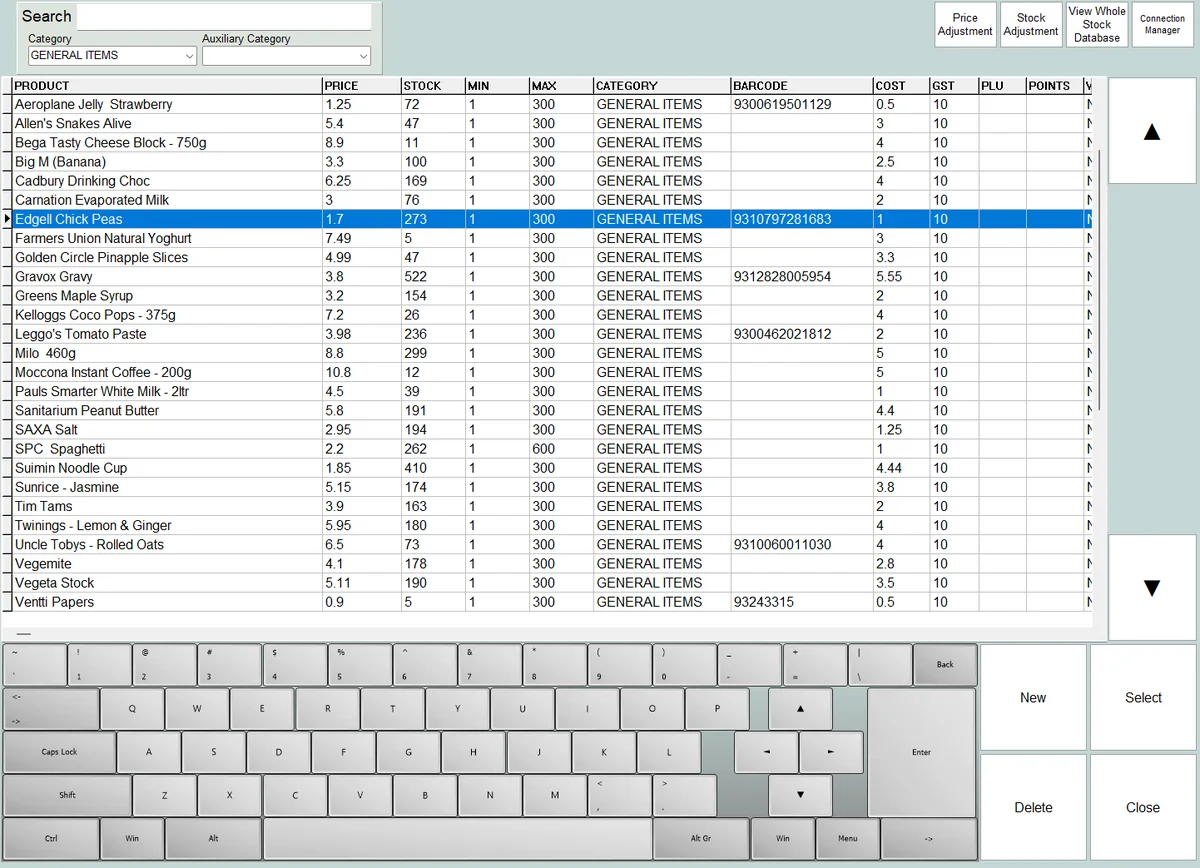
Purchasing
Order smarter
- Up to 10 suppliers per item, with their product codes
- Purchase orders built from items below minimum
- Receive deliveries and update stock and costs
- Transfer stock between stores
- Stocktake with a handheld scanner, and see the variances
Staff
Your team, your rules
Permission groupsChoose which buttons each group can use
PIN or card log-onWith automatic log-off when idle
Time clockHours worked and wages, ready for payroll
CommissionsBy category, scaled by any discount given
Security snapshotsA USB webcam can capture selected events
Training modePractise freely – nothing is recorded
Your data
Your data stays on your PC
Multiple terminalsShare one database across your network
Multiple storesEach store keeps trading offline, then syncs
Automatic backupsOn close and nightly, plus a second copy to USB or Dropbox
Import & exportProducts, customers and sales via CSV
Webstore ordersConnect your online store – we’ll help set it up
No lock-inA one-off licence, and your data is always yours
Good questions
Back-office questions, answered
Where is my data stored?
On your own PC or server, in a PostgreSQL database – not in someone else’s cloud. You own it, and there’s nothing to pay to keep accessing it.
What if my computer dies?
NeoPOS backs up automatically, including a second copy to USB or cloud storage like Dropbox. Restore onto a new PC – settings included – and you’re back in business.
Can my accountant get the figures?
Yes. Export sales to Xero or MYOB, or send CSV files of sales, stock and customers.
See it on your own PC
Download the free trial and try NeoPOS with your own products. No card, no sign-up.